Run Your Own VPN Server on Windows
With qrvpn you can run your own VPN server on a regular Windows machine and connect to it from anywhere.
No open ports, public IP and router settings are required.
Not Windows? See other systems.
Run
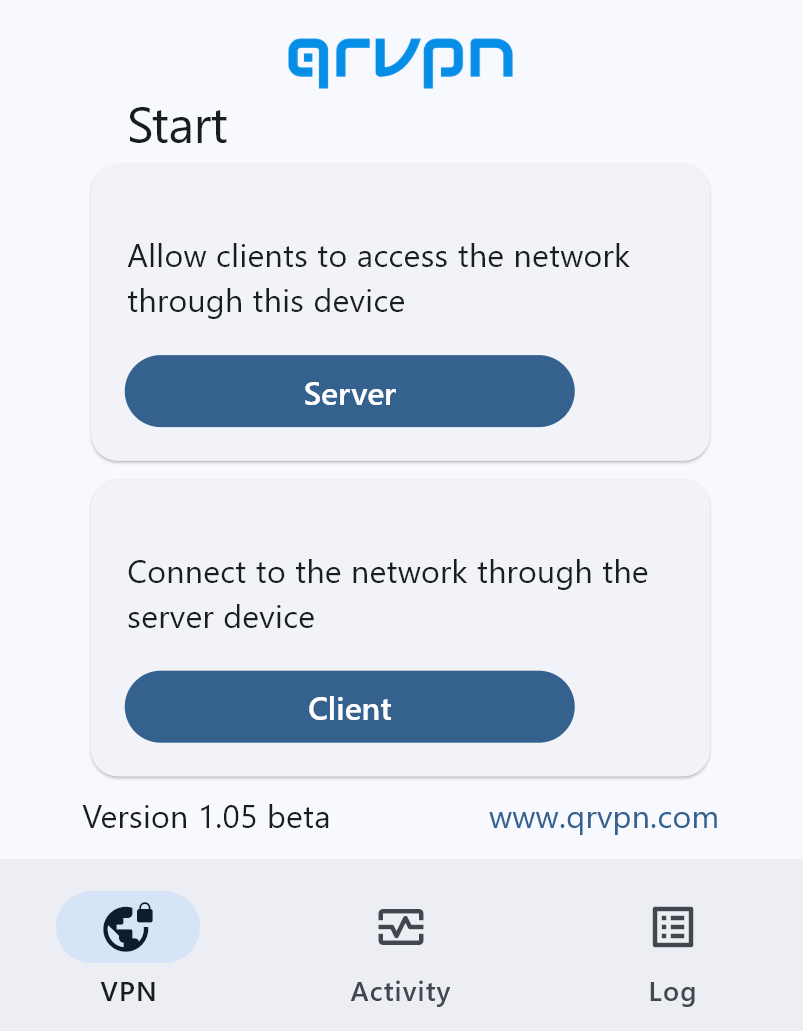
Run. Select Server or Client.
Start Server
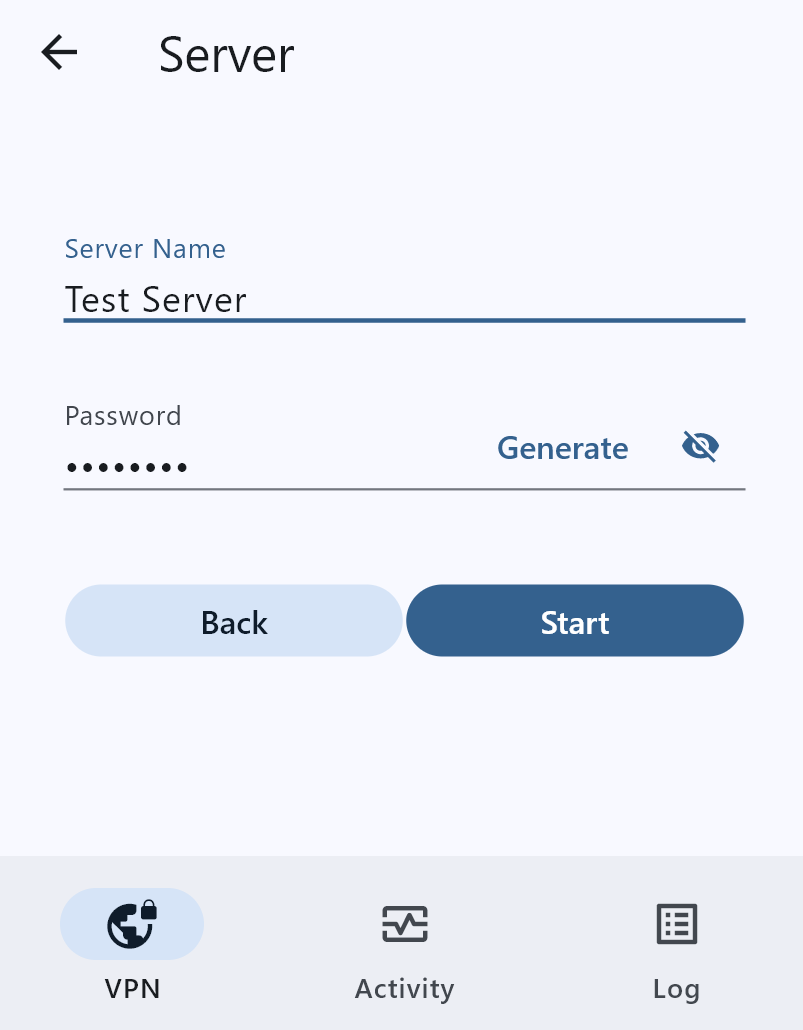
Set VPN server name and password, and click Start.
Server Running
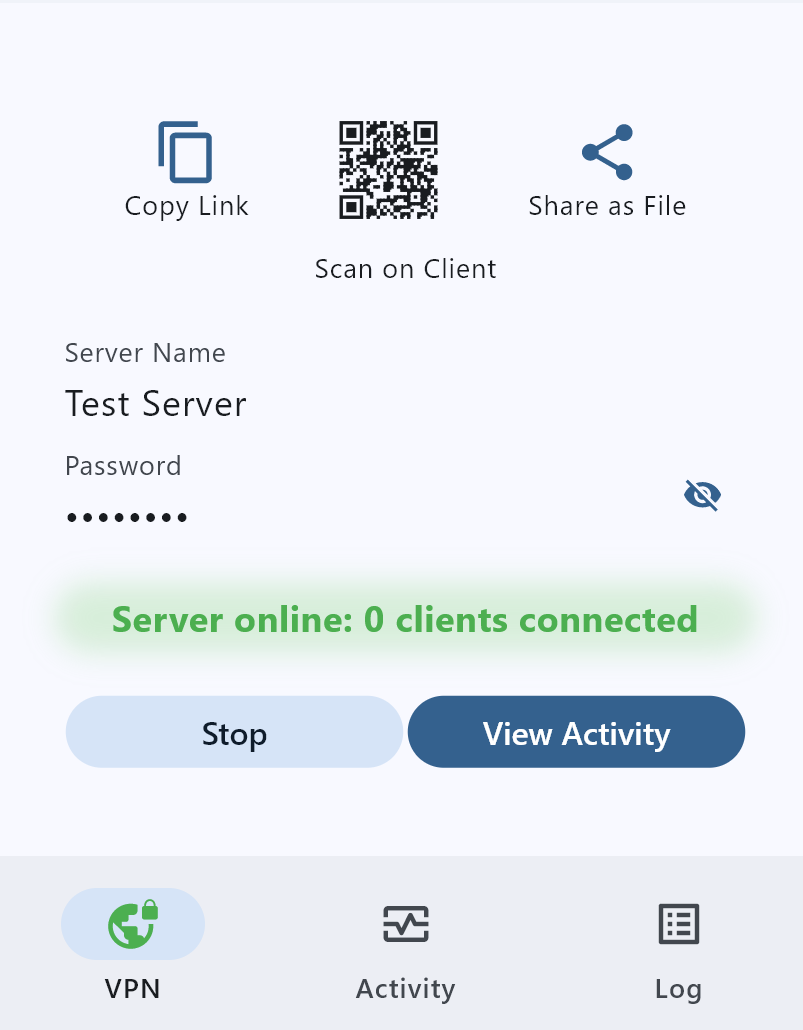
Pass access details of the VPN server to qrvpn clients as QR-code, name/password, link or file.
You can use native WireGuard client as well.
Start Client
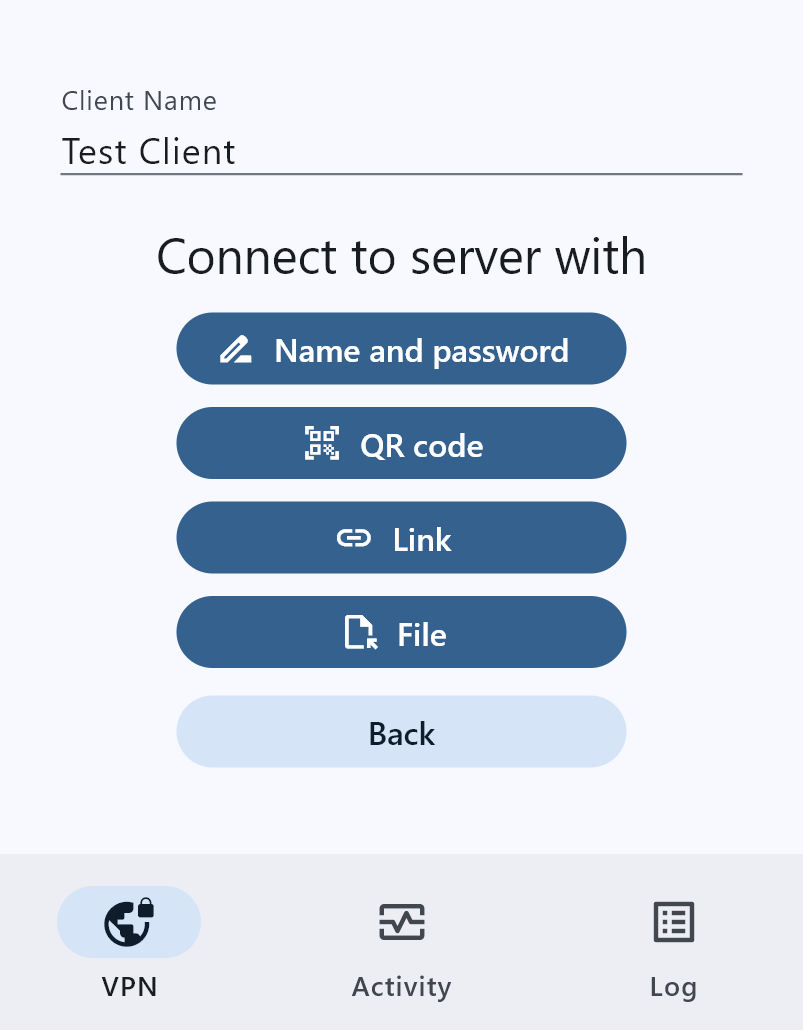
Connect to the VPN server with name and password, QR-code, encrypted link or file.
Server Activity
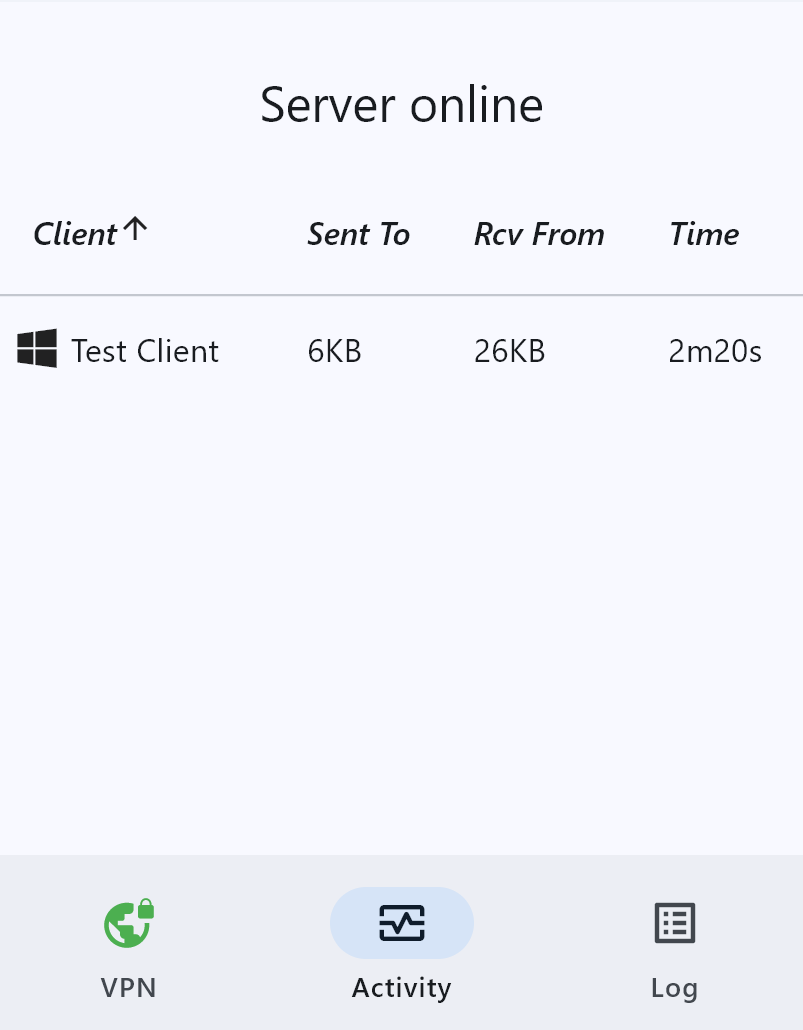
Monitor connections to your VPN server at the Activity tab, use the Log tab to track events and errors.
Client Running
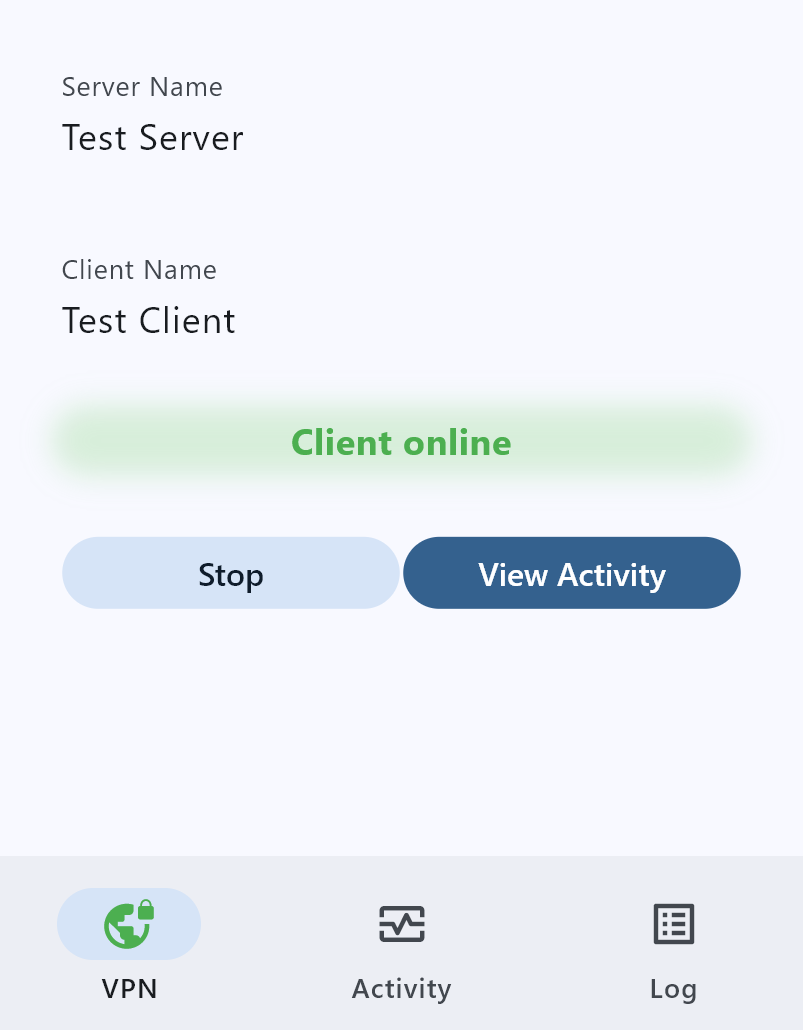
All your connections are now routed through the VPN server.